
Case study
AIVideo.com (YC ’24): Designing an Agentic Video Editor
Led AI product design and prototyping across a video editor, freeform asset canvas, in-editor agent, and design system, helping the team scale from $8K MRR to $3M+ ARR.
Lead AI Product Designer & Prototype Engineer · AIVideo.com (YC ’24)
At AIVideo.com, I worked across product design, prototyping, and engineering to shape an AI video-creation platform. My work spanned the video editor, a freeform canvas for editing assets, an in-editor AI agent, reusable creative context, and the design system behind the product.
- Ownership: Editor and Canvas interaction design, functional prototypes, agent experiences, and visual identity.
- Technical scope: The Command agent, Backlots context layer, and Pixyl design-system platform.
- Business context: Helped the team scale from $8K in monthly recurring revenue to more than $3M in annual recurring revenue.
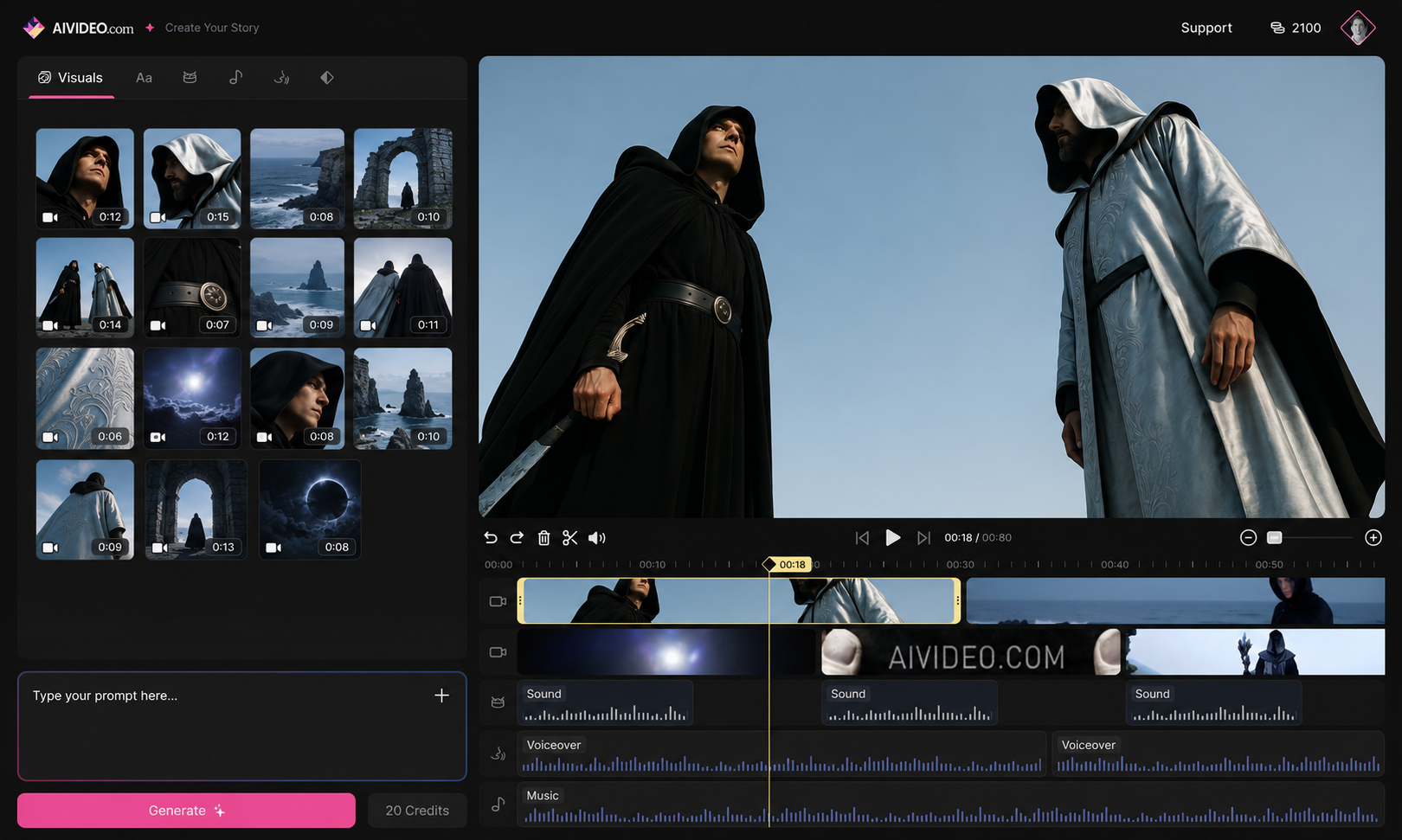
Editor design mockup populated with example media to show the library, generation prompt, preview, and timeline together.
The Challenge
Generating a video clip is one part of making a video. Creators also need to organize media, maintain visual continuity, assemble scenes, and revise the result. The product challenge was to bring generation and editing into a coherent workflow, with enough control for experienced creators and an approachable starting point for people making their first video.
Design goal: Keep generation close to the creative work: the prompt, source context, timeline, and preview should belong to one editing experience.
Designing the Creation Workflow
I designed and prototyped a multi-panel interface combining the AI media panel, timeline, and preview. A persistent prompt box kept generation available within the editing workflow. Functional prototypes let me work through the interactions in the interface itself, including how generated content would sit alongside the timeline and preview.
I built the “Command ⌘” agent to edit scenes and generate media from a prompt. This connected conversational input to the project already open in the editor. The interface needed to accommodate broad requests while retaining the creator's control over individual scenes.
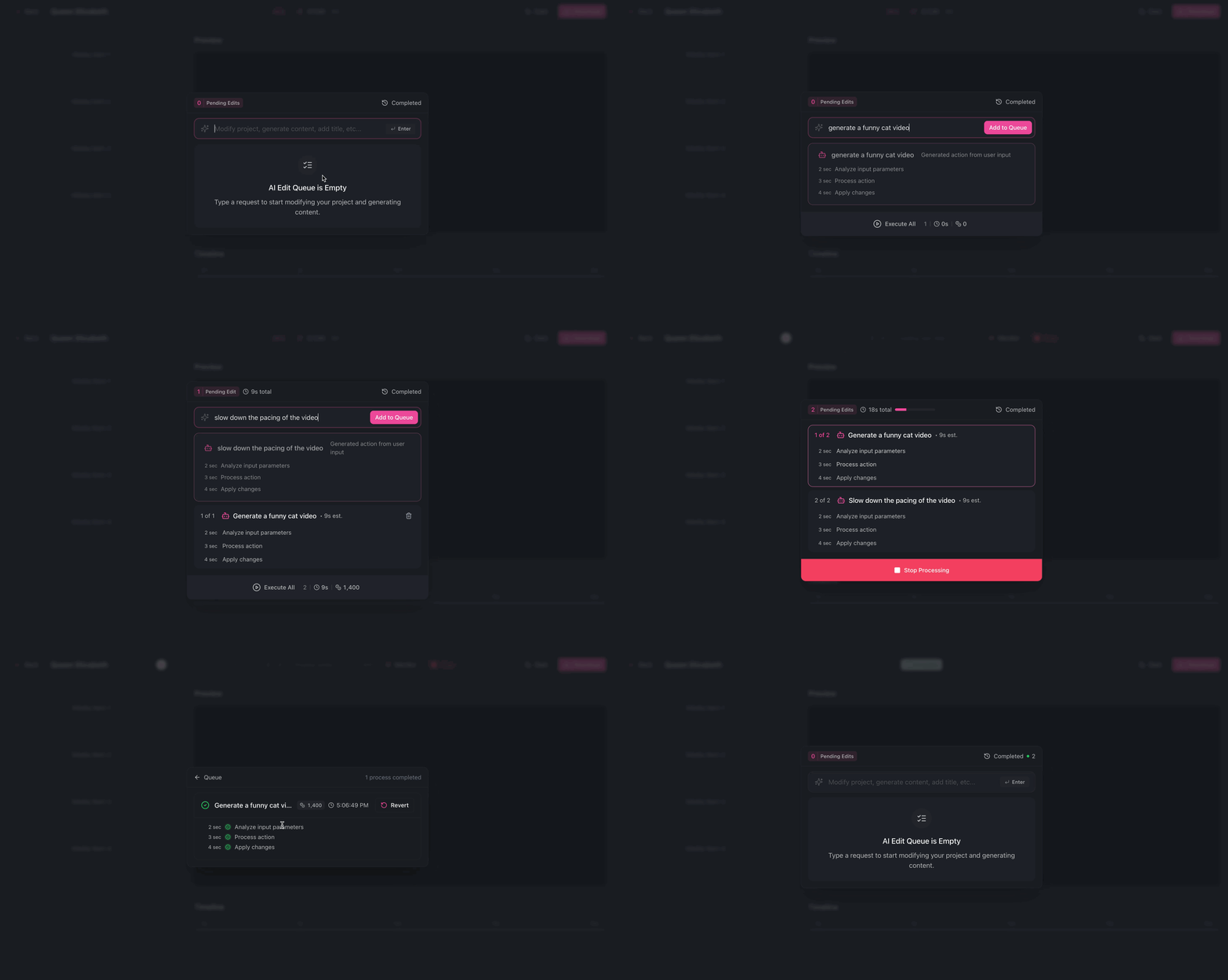
The Command agent in action: conversational input connected to the video-editing workflow.
Canvas: A Freeform Workspace for Assets
I also designed Canvas, a Figma-like workspace for editing and arranging assets inside the editor. It paired familiar design-tool interactions with the media and generation controls used elsewhere in the product.
The canvas gave assets a spatial layout, with selection handles and contextual controls for duplication, locking, hiding, and arrangement. A “Use as Reference” action sat alongside those layer operations, connecting an asset to the generation workflow. My contribution was the interaction design of this asset-editing experience.
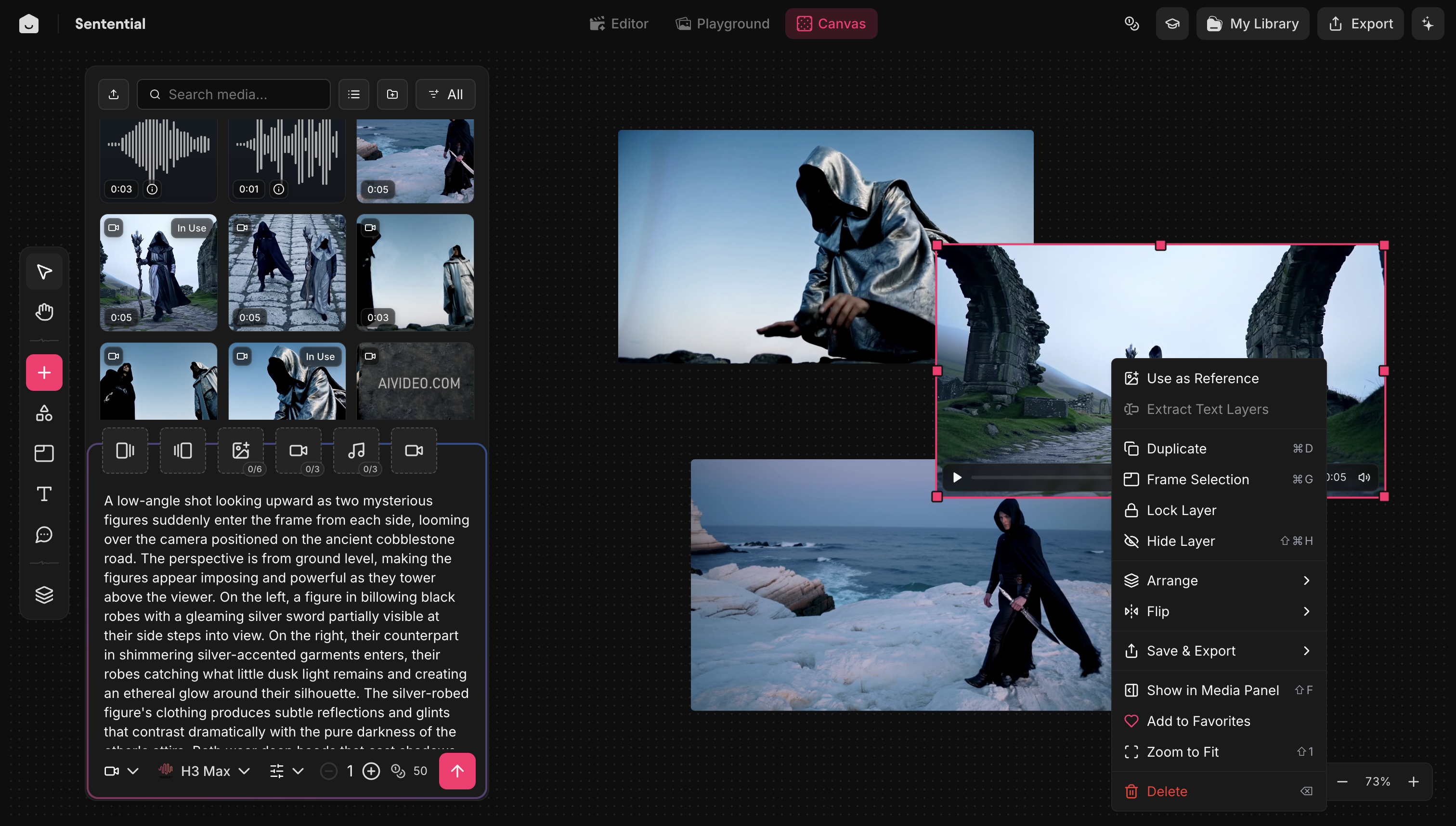
Canvas design: freeform asset arrangement, selection handles, layer controls, and a “Use as Reference” action beside the media and generation panel.
Backlots: Reusable Creative Context
“Backlots,” the context layer I developed, brought together scripts, characters, environments, reference media, and styles. It gave creators a place to maintain the ingredients behind each generation and reuse them across their work.
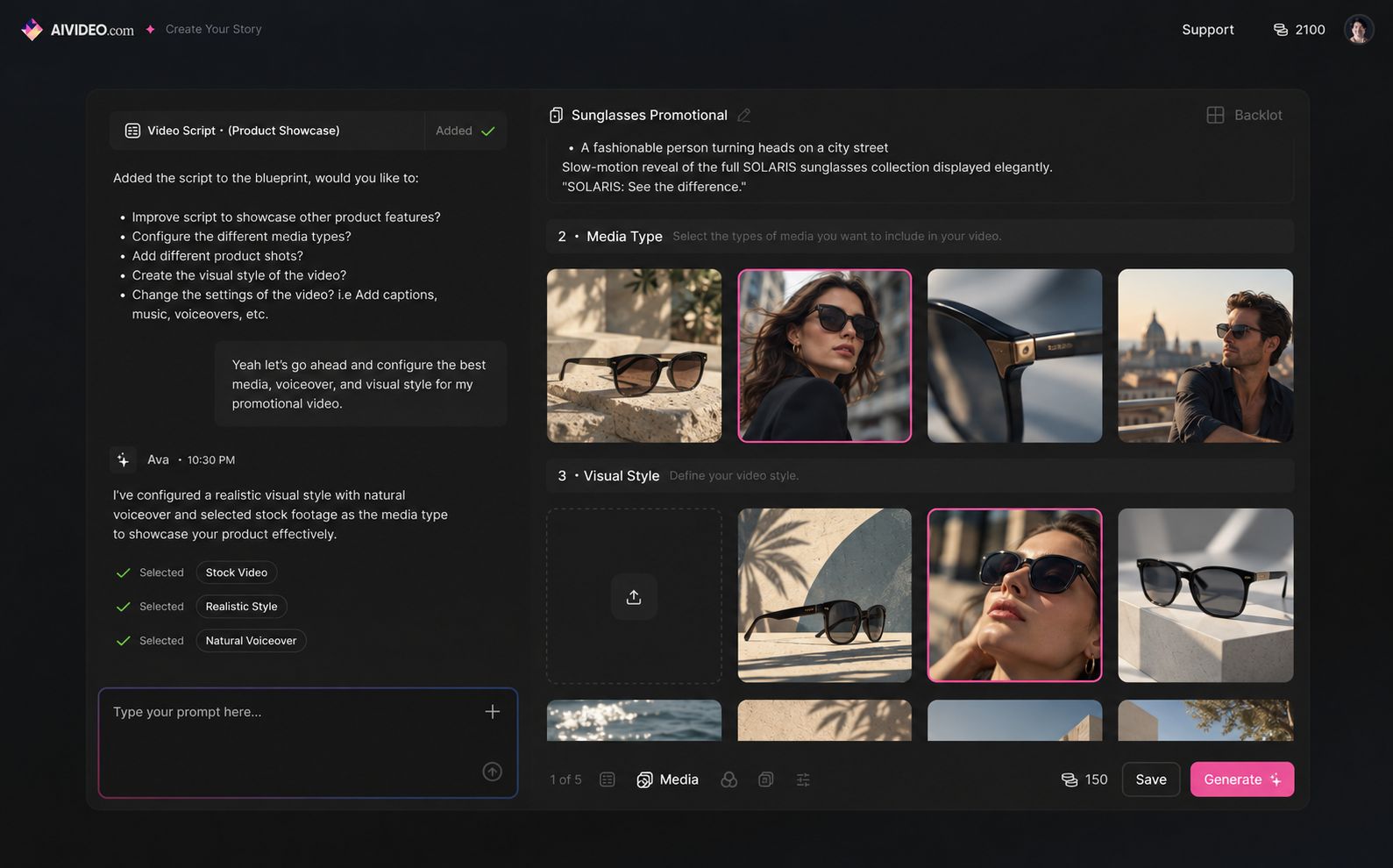
Backlots concept design, populated with example media: bringing the script, media choices, and visual direction together before generation.
The product workflow connects these pieces: creative context informs a request, generated media enters the editing experience, and creators review and revise the result.
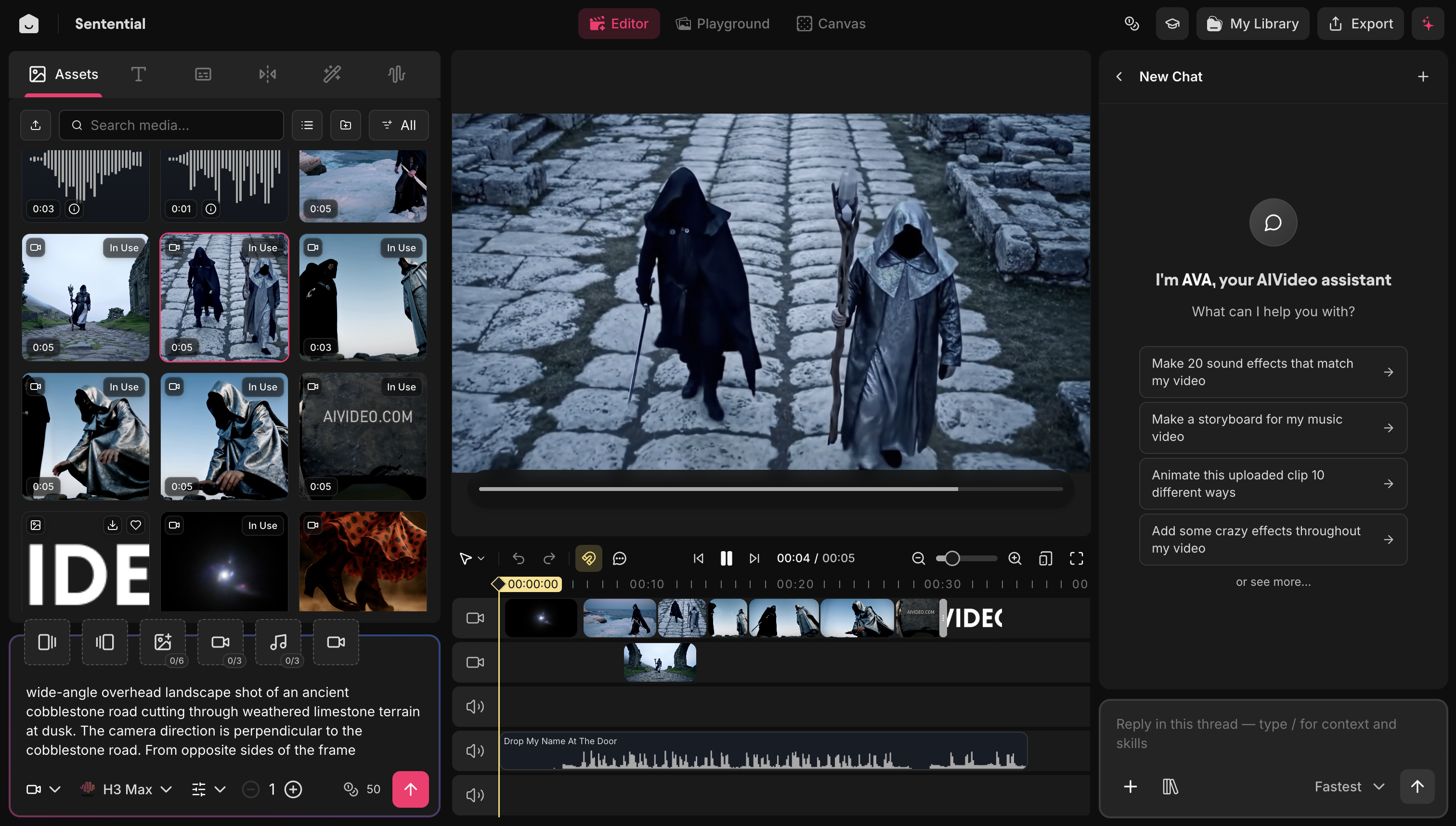
The live editor brings media, generation, preview, timeline editing, and an AI assistant into one workspace.
| Design decision | Rationale |
|---|---|
| Keep a persistent prompt box inside the editor | Make generation available while creators work with media, scenes, and playback. |
| Pair timeline editing with a freeform asset canvas | Support spatial asset arrangement alongside sequence-based video editing. |
| Organize reusable creative context in Backlots | Keep scripts, references, characters, and styles accessible beyond a single prompt. |
| Connect visual design to editable, exportable tokens | Give interface implementation a reusable foundation as the product evolves. |
Building the Design Infrastructure
I built Pixyl, a design-system and brand-guidelines platform using Next.js, Drizzle, and Postgres. It supported editable, exportable Tailwind tokens, palette building, layout skeleton generation, and AI asset creation. That work connected design decisions to implementation details the team could reuse.
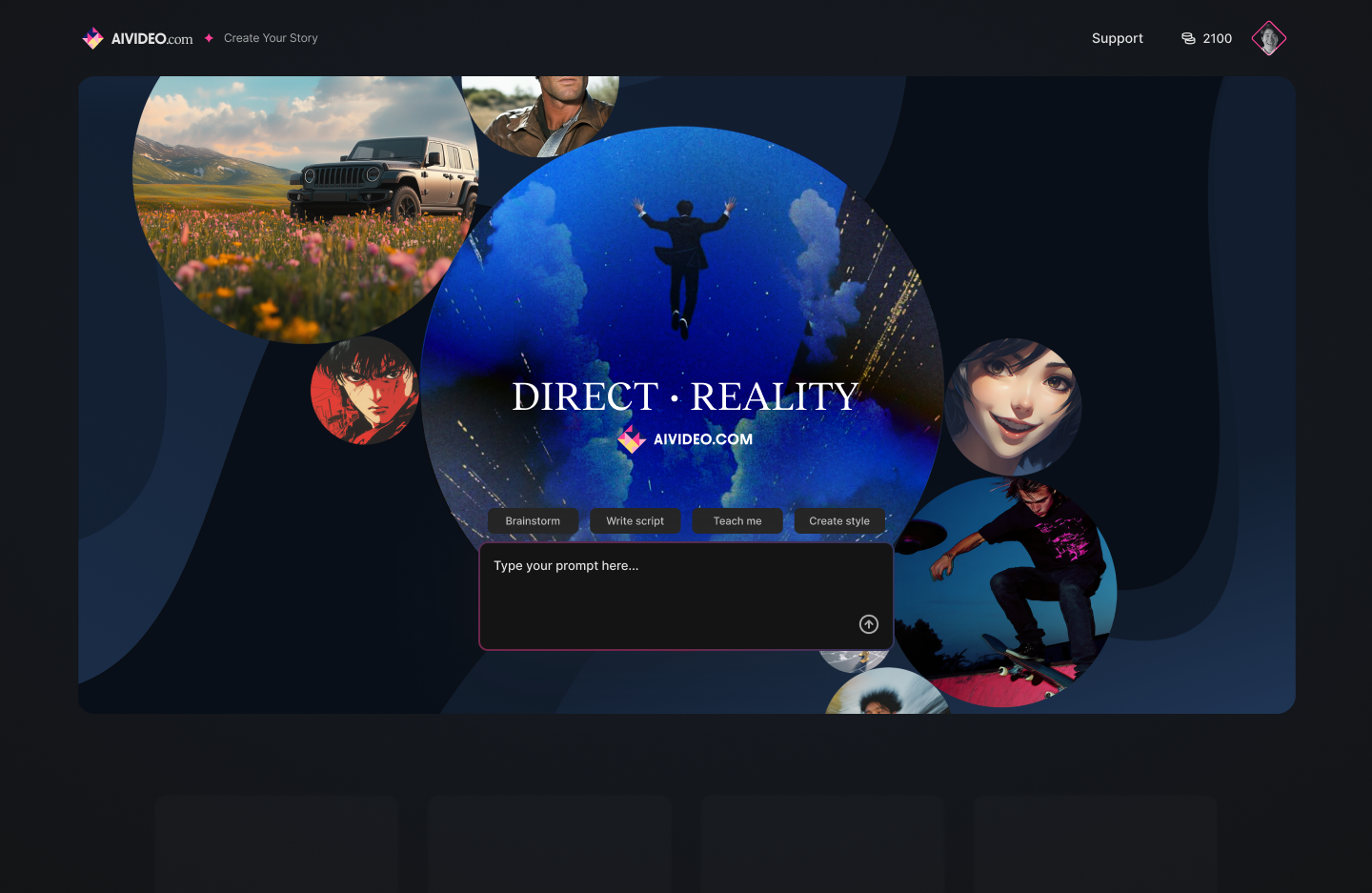
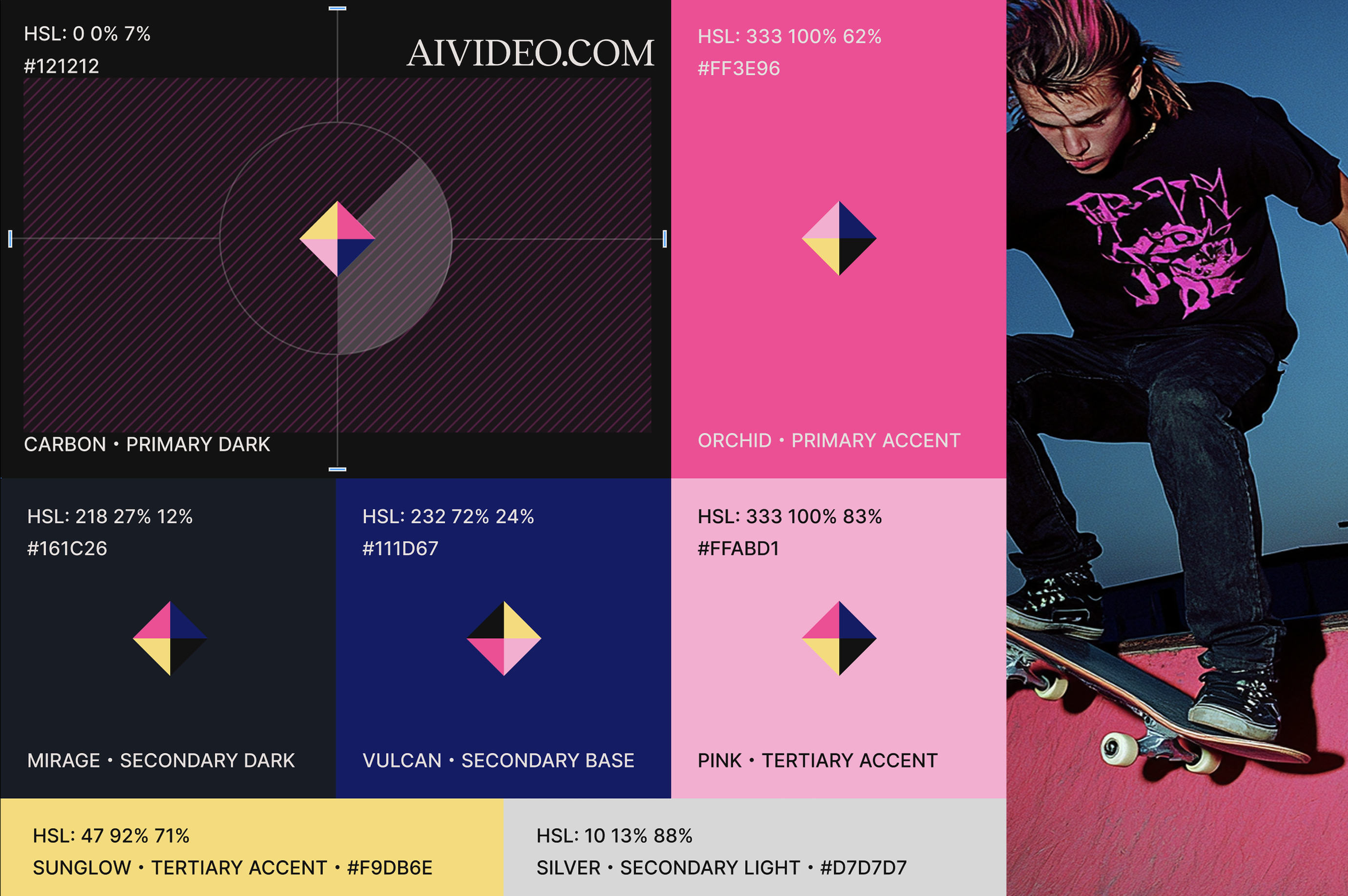
I also led a visual refresh across palette, typography, and graphics, developing a cinematic identity for the product, creative work, and investor materials. The editor, design system, and brand identity were connected parts of my responsibility.
Outcome
The business's growth was a team result. My contribution was hands-on design and engineering across the tools creators used, the context those tools depended on, and the design infrastructure supporting iteration.
A Design Workflow Discussed on Lightcone
Around 9:30 in YC's Lightcone episode AI Revolution: What Nobody Else Is Seeing, the conversation turns to a designer moving from Figma mockups to working JavaScript with Claude. That anecdote came from my workflow at AIVideo, which our CEO had shared with YC.
It reflects how I approached prototyping: using design judgment to direct changes in a working interface, then evaluating the interactions in code.
Watch the discussion from 9:30.
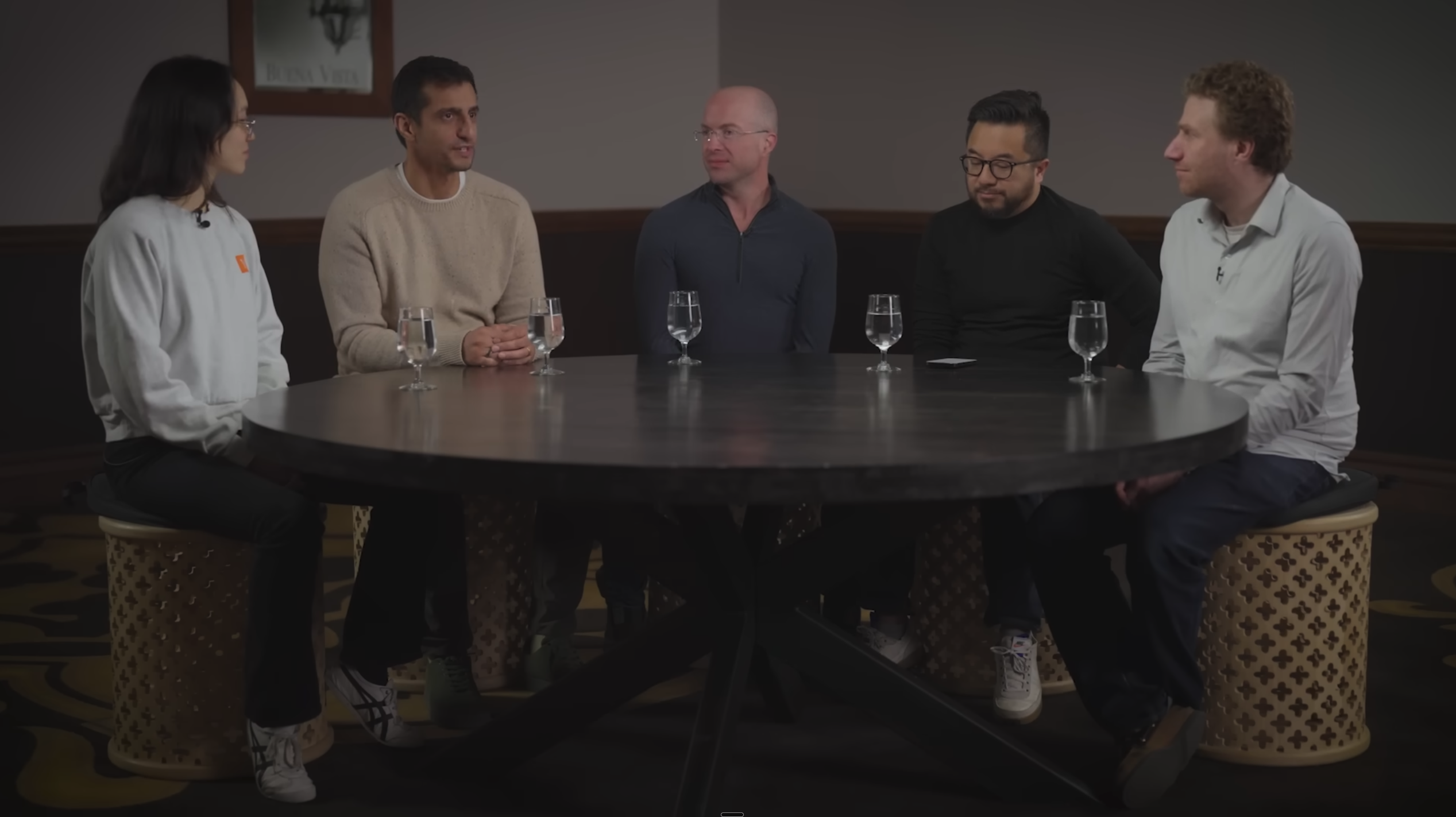
The Lightcone conversation about using AI to turn design direction into working interfaces.